
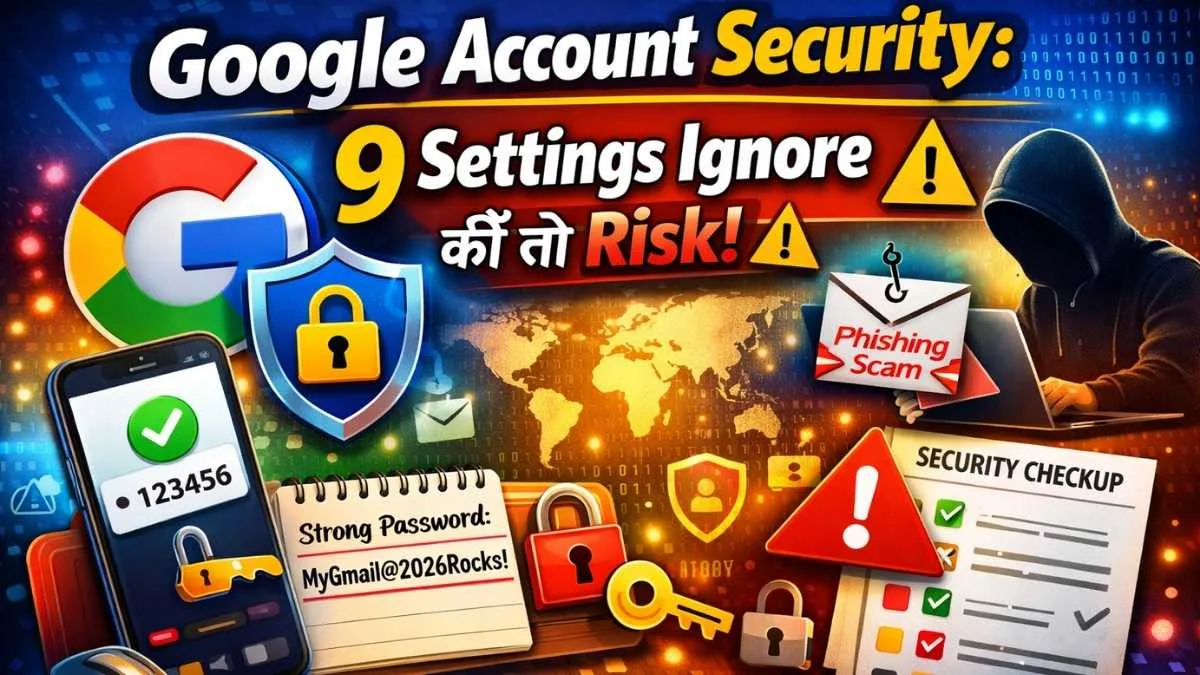
Google Account Security आज के समय हर किसी के लिए बहुत जरूरी हो गया है। जारा सोचिए आपका Gmail, Photos और Bank Details सब एक ही account में है। अगर कोई hacker आपके account hack कर लिया तो नुकसान कितना बड़ा हो सकता है । और सच कहूं, ज़्यादातर लोग google account की basic security settings भी ignore कर देते हैं। यही वजह है कि Google Account Security पर ध्यान देना इतना जरूरी है।
पर परेशान होने की कोई जरूरत नही है क्योंकी इस article में मैं आपको 9 smart settings बताऊंगा जिन्हें आप तुरंत enable करके अपने account को hackers से सुरक्षित कर सकते हैं। मैं step-by-step explain करूंगा एकदम simple way मे ताकि आपको आसानी से समझ आ सके।
क्या आप ये भी जानते हैं कि सिर्फ एक setting बदलने से hacker आपके account तक पहुंच नहीं पाएगा? या अगर आप अपने recovery options सही रख लें, तो account compromise होने का risk कम हो जाता है?
चलो शुरू करते हैं और जानते हैं वो simple लेकिन powerful tricks जिन्हें अपनाकर आप अपने Google Account Security को secure कर सकते हो।
Table of Contents
Google Account Security: 9 Settings Ignore कीं तो Risk खतरा बढ़ जाएगा!
क्यों Google Account Security इतनी जरूरी है?
आजकल आपका Gmail, Photos, Drive, और बाकी Google services आपके personal और financial data से जुड़े हैं। अगर कोई hacker आपके account hack कर लेता है तो आपको नुक्सान काफी हो सकता है।
ज़्यादातर लोग default security settings करके छोड़ देते हैं और यही mistake hackers को आसानी से रास्ता मिल जाता है आपके अकाउंट कु हैक करने मे। सोचिए अगर कोई सिर्फ आपके email password से आपके सारे accounts तक पहुँच जाए? त क्या क्या हो सकता है?
Google Account Security सिर्फ strong password रखने तक सीमित नहीं है। इसमें कई छोटे लेकिन powerful settings शामिल हैं जो hackers को रोकती हैं। इस article में मैं आपको step-by-step guide दूंगा, ताकि आपका account safe रहे।
9 Must-Enable Settings जो Hackers से आपको बचाएंगे।
1. Smart Password Strategy अपनाएं
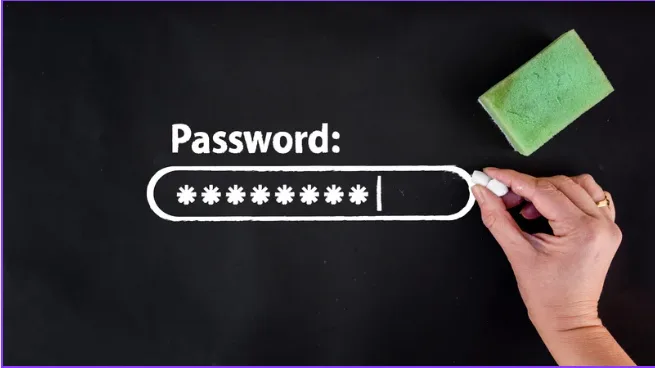
सिर्फ “strong password” नहीं, password ऐसा होना चाहिए जिसे याद रखना आसान हो, लेकिन guess करना hacker के लिए उतना ही मुश्किल हो।
- Tip: Letters + numbers + symbols मिलाकर बनाएं, जैसे “MyGmail@2026Rocks!”
- Pro Tip: Password manager use करें, जैसे LastPass या Bitwarden, ताकि हर account का अलग password safe रहे।
अगर आपने अभी तक Gmail ID नहीं बनाई है या account setup के दौरान security settings को बेहतर समझना चाहते हैं, तो आप हमारा detailed guide Gmail ID Kaise Banaye: Ultimate Free Guide 2025 भी पढ़ सकते हैं जिसमें account setup के साथ ही basic security‑tips भी समझाए गए हैं।
2. Two-Factor Authentication (2FA) लगाएँ
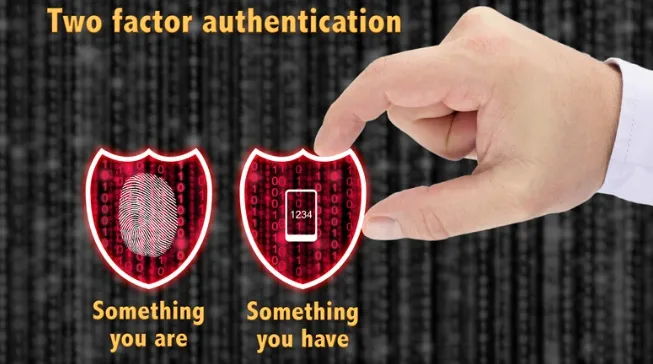
2FA मतलब सिर्फ password नहीं, बल्कि extra security जो hacker को रोकता है।
- Authenticator App या Security Key सबसे safe है।
3. Recovery Options Update रखें
Alternate email और phone number हमेशा updated रखें। ये आपके account की lifeline हैं।
- Tip: पुराने email या number को remove करना मत भूलें।
4. Devices और Login Activity Check करें
Google account में “recent security activity” देखें। Unknown devices दिखें तो remove कर दें।
- Notification ON रखें, ताकि नया login तुरंत पता चले।
Last month मेरे पास alert आया की unknown location से login का मैंने तुरंत password change किया और unknown device कु remove कर दिया।
5. Connected Apps और Permissions Manage करें
Old apps, games या tools जिनको आपने permission दी थी, उन्हें review करें।
- केवल trusted apps को access दें।
- Tip: Google account → Security → Third-party apps → Remove unused apps।
6. Security Checkup Tool Use करें
Google का free Security Checkup tool step-by-step guide देता है।
- Devices, apps, 2FA, recovery info सब check होता है।
- Routine: हर महीने थोड़ा time निकाल कर check करे।
आप अपने account की सुरक्षा और बेहतर तरीके से समझने के लिए Google Safety Center भी visit कर सकते हैं। यहाँ step-by-step guide और tips मिलती हैं जो आपके account को hackers से safe रखती हैं।
7. Phishing Emails और Suspicious Links से बचें

Gmail phishing alerts ON रखें। Unknown links या attachments पर कभी click ना करें।
- Quick test: अगर sender का email unusual या grammar गलत है, ignore करें और Domain name check करके भी पता लाग जाता है।
- Tip: “Verify before click!”
अगर आप phishing और suspicious emails से बचने के और tips चाहते हैं, तो NCSC Cyber Security Guidance पढ़ सकते हैं। यहाँ practical steps दिए गए हैं जो beginners और advanced users दोनों के लिए helpful हैं।
अगर आपको लगता है कि सिर्फ account settings से बचाव पर्याप्त नहीं है तो “मोबाइल हैक होने से पहले दिखते हैं ये 7 खतरनाक चेतावनी संकेत” पोस्ट भी जरूर देखें, ताकि आप अपने device के hack होने से पहले warning signs को पहचान सकें और समय रहते action ले सकें। –मोबाइल हैक होने से पहले दिखते हैं ये 7 खतरनाक चेतावनी संकेत।
8. Sensitive Data Online Share ना करें
Password, OTP, personal info social media या chat apps में share ना करें।
- Backup codes safe जगह पर रखें।
- Public Wi-Fi पर login avoid करें।
9. Regular Account Security Review करें
- Password हर 3–6 महीने बदलें।
- Old passwords reuse ना करें।
- Extra tip: Monthly check करें → Devices, apps, permissions, 2FA।
Quick Comparison Table – Security Settings
| Setting | Importance | Tip | LSI Keyword |
|---|---|---|---|
| Strong Password | High | Use 12+ char mix | Gmail Security Tips |
| Two-Factor Auth | Very High | Authenticator App > SMS | Hackers Protection |
| Recovery Options | Medium | Keep email & phone updated | Account Recovery |
| Recent Security Activity | High | Remove unknown devices | Secure Google Account |
| App Passwords | Medium | Revoke unused apps | Safe Settings |
Extra Practical Tips for Maximum Security
- Password Manager Use करें: Securely store all passwords, generate unique passwords. Tools: Bitwarden, LastPass
- Login Alerts Enable करें: Google sends notification on new device login
- Regular Security Review: Monthly checkup routine, old devices & apps remove करें
Conclusion
तो दोस्तों, जैसा कि हमने ऊपर देखा, Google Account Security सिर्फ password strong रखने तक सीमित नहीं है। Hackers हर तरीके से आपके data तक पहुँचने की कोशिश करते हैं, लेकिन अगर आप ये 9 smart settings अपनाते हैं — जैसे strong password, two-factor authentication, recovery options update रखना, suspicious apps हटाना और regular security checkup — तो आपका account काफी हद तक सुरक्षित रह सकता है 🔐।
याद रखें, security कोई एक बार का काम नही है बल्कि habit बनाना पड़ेगा। छूटे छूटे कदम जैसे monthly checkup या phishing emails से सावधान रहना आपके data को hackers से बचा सकता है।
अब मैं आपसे पूछना चाहता हूँ – आप सबसे पहले कौन सी security setting अपने Google account में लागू करने वाले हैं? या क्या आपने पहले कभी 2FA और recovery options setup किए हैं?
अगर अभी तक ये steps नहीं किए हैं, तो आज ही अपने account की सुरक्षा को upgrade करें और इसे safe बनाएं। अपना experience comment में share करें, ताकि हम एक-दूसरे की मदद कर सकें!
FAQs
How do I check my Google Account security?
अपने account की security check करना बहुत आसान है। Google Account खोलें और Security section में जाएँ। यहाँ आपको recent login activity, connected devices, apps permissions और 2‑step verification जैसी सारी जानकारी मिल जाती है।
अगर कोई unknown device या location दिखे, तो समझ लीजिए alert होने का time है ⚠️। Regular check करने से Google Account Security strong रहती है और hack होने का risk काफी कम हो जाता है।
How do I change my password on my Google Account?
Password बदलने के लिए Google Account → Security → “Signing in to Google” में जाएँ और password option पर click करें। नया password ऐसा रखें जो लंबा हो और guess करना मुश्किल हो।
👉 Tip: एक ही password को बार‑बार reuse न करें। Strong password + 2FA = account काफी हद तक safe 🔐।
Can I see all my saved passwords in Google?
हाँ, अगर आपने Chrome या Google Password Manager use किया है, तो आप अपने saved passwords देख सकते हैं।
Google Account → Security → Password Manager में जाकर websites और apps के passwords check कर सकते हैं।
लेकिन ध्यान रखें, ये सुविधा तभी safe है जब आपका main Google account secure हो।
What if I forgot my Gmail password?
अगर Gmail password भूल गए हैं, तो “Forgot password?” option पर click करें। Google आपसे recovery email, phone number या last remembered password पूछ सकता है।
इसलिए recovery options updated रखना बहुत जरूरी है। कई users यहीं गलती करते हैं और बाद में account access खो देते हैं 😕।
How do I reset my Google password without the old password?
अगर पुराना password याद नहीं है, तब भी आप recovery process से नया password set कर सकते हैं।
Google आपकी identity verify करेगा (OTP, recovery email, device confirmation)।
👉 यही reason है कि Google Account Security settings को पहले से सही रखना जरूरी होता है, ताकि emergency में problem न आए।
तो दोस्तों, अब जब आप जान गए कि Google Account Security में किन‑किन settings को ignore नहीं करना चाहिए, तो अपनी सुरक्षा को पहले से ज्यादा मजबूत बनाना start करें 🔐। ये छोटे‑छोटे steps, जैसे strong password, 2FA, recovery options और regular security checkup, आपके account को hackers से बचा सकते हैं।
अगर आपको ये tips useful लगे, तो apne friends और family के साथ जरूर share करें, ताकि वे भी अपना Google account safe रख सकें।

नमस्ते! मैं DigitalGyan पर आसान और भरोसेमंद हिंदी में मोबाइल, ऐप्स, गैजेट्स और कंप्यूटर से जुड़े गाइड्स लिखता हूँ। मेरा मकसद टेक्नोलॉजी को मुश्किल भाषा से निकालकर साधारण लोगों तक आसान तरीके से पहुँचाना है, ताकि कोई भी बिना कन्फ्यूजन के अपनी टेक समस्याओं का हल खुद कर सके। यहाँ शेयर की जाने वाली जानकारी रिसर्च, अनुभव और यूज़र की ज़रूरतों को ध्यान में रखकर तैयार की जाती है। अगर आपको टेक से जुड़ा कुछ भी समझना है, तो आप सही जगह पर हैं 😊